The Technical SEO Checklist to Recover from the 2026 Core Updates
If your content is highly relevant but your rankings are sinking, you likely have a technical bottleneck blocking Google. Here is how to fix the code.
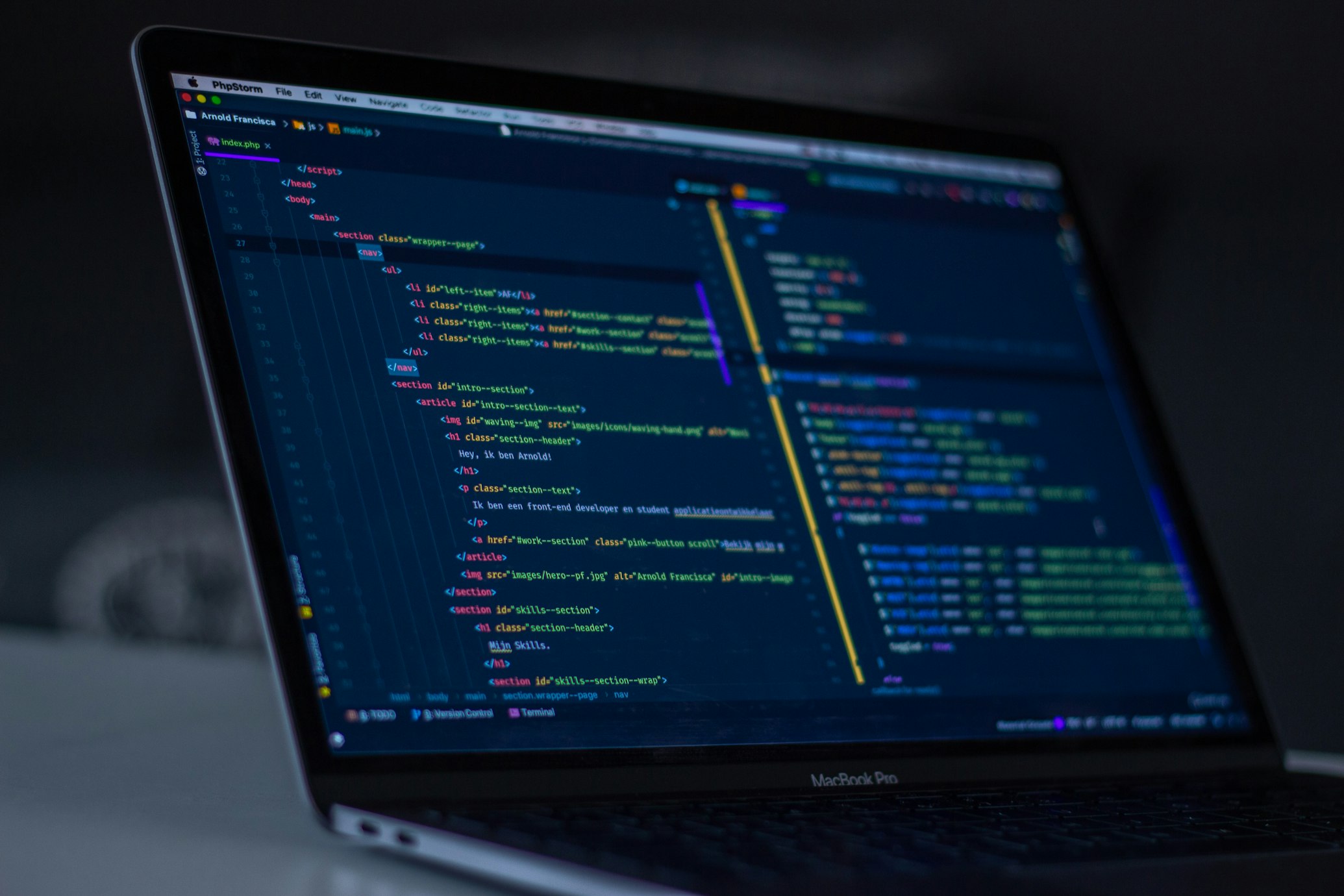
When a massive algorithm update hits and rankings plummet, human nature takes over. Business owners immediately blame their copywriting. They spend weeks rewriting blog posts, stuffing in new keywords, and changing heading tags, only to see zero movement in the search results.
They are treating the symptoms, not the disease. The hard truth is that if your content is highly relevant but your rankings are sinking, the real culprit is usually buried deep inside the website's code. You have a technical bottleneck blocking Google from crawling, rendering, or trusting your site.
The Hidden Epidemic of Technical Debt
Think of Technical SEO as the concrete foundation of a house. It doesn't matter how beautiful the furniture (your content) is if the house is sinking into the mud. Google is a machine. Before it can appreciate your brilliant copywriting, it must be able to crawl the URL, read the server response, execute the JavaScript, and render the DOM.
If any step in that highly technical sequence fails, your content is essentially invisible. During core updates, Google re-evaluates the "quality threshold" of its index. Websites that are slow, bloated, or riddled with crawl errors are the first to be purged from the top results.
"A core update doesn't just evaluate the words on the page; it evaluates the user's entire experience of that page. Code quality is an undeniable proxy for website quality."
The "Crawl Budget" Disaster
Google allocates a specific "crawl budget" to every website. This is the maximum number of pages Googlebot will fetch from your site in a given timeframe. It is a finite resource.
If your website architecture is broken, you are forcing search bots to crawl thousands of useless pages. This is incredibly common on poorly configured WooCommerce or Shopify stores. If your site generates hundreds of thin "tag" pages, parameter URLs for product filters, or paginated archives, Googlebot will waste its entire budget crawling junk. It will abandon the crawl before it ever reaches your high-value service or product pages.
❌ Broken Crawl Budget
A flat architecture where a 50-product WooCommerce store generates 4,000 indexed URLs due to uncrawled filters, thin category tags, and duplicate product variants.
✅ Optimised Crawl Budget
A strict silo structure with canonical tags enforcing a single source of truth, blocking Google from indexing parameter-driven search URLs, keeping the index lean at exactly 60 URLs.

Core Web Vitals: The Hard Ranking Factor
Since 2021, Core Web Vitals (CWV) have been a confirmed, hard ranking factor. This is no longer a suggestion; it is a prerequisite for ranking on page one in competitive Australian niches.
The three pillars of CWV are:
- LCP (Largest Contentful Paint): How fast does the main content load? It must be under 2.5 seconds.
- INP (Interaction to Next Paint): How quickly does the site respond when a user taps a button or opens a menu?
- CLS (Cumulative Layout Shift): Does the page jump around while loading, causing the user to accidentally click the wrong thing?
If your competitor's page loads in 1.2 seconds and yours takes 4.5 seconds because of a bloated WordPress theme, Google will rank them higher, even if your content is objectively better.
Your Immediate Technical Action Plan
Stop rewriting content. Before you touch another word, execute this technical diagnostic checklist:
🚀 Action Item
1. Audit the "Pages" Report in Search Console: Log into GSC and look at the Page Indexing report. If you see thousands of URLs marked as "Crawled - currently not indexed" or "Discovered - currently not indexed", your site architecture is broken. Google is finding these pages but refusing to put them in the search results because they are deemed low quality or duplicative.
🚀 Action Item
2. Purge Database Drag: If you run WordPress or WooCommerce, outdated plugins create severe database drag. Every active plugin adds HTTP requests and executes PHP on every page load. Delete inactive plugins. For active ones, ask your developer if the functionality can be hardcoded into the theme instead.
🚀 Action Item
3. Fix Mobile Rendering Discrepancies: Google uses Mobile-First Indexing. It strictly evaluates the mobile version of your site, not the desktop version. If your responsive design hides text on mobile to "save space," Google treats that text as invisible. If elements overlap or break on an iPhone, Google registers the poor user experience and docks your rankings.
The Next Tab Agency Difference
Technical SEO requires genuine IT expertise, not just marketing knowledge. Our Brisbane-based team combines Master's-level IT architecture with elite SEO strategies to build platforms that Google fundamentally trusts.
We don't just recommend caching plugins. We rebuild the foundation.
Is Your Code Holding You Back?
Request a comprehensive Technical SEO audit. We will analyse your DOM, server response times, and indexation strategy.
Request a Technical Audit →Need a Technical Fix?
Stop guessing. Run a full technical diagnostic and fix the code before rewriting your content.
Get a Technical Audit →